How to Beautify Photos of Human Rights Conservation Activities with Canva’s Magic Eraser

The HAkA team recently completed a routine patrol in the Leuser Ecosystem. They captured dozens of photos, capturing everything from forest monitoring activities to local community empowerment events.
However, there’s one minor issue that often gets in the way: unwanted objects getting caught on camera. Plastic trash in the foreground of a forest photo, a person accidentally entering the frame, or a power line ruining the composition of a nature photo.
For conservation activists like the HAkA team, visual documentation is more than just an archive. These photographs serve as a window into the world’s firsthand view of the Leuser Ecosystem’s conservation efforts.
Clean, professional photos not only enhance an organization’s credibility, but also reinforce the conservation message it wants to convey to the public, donors, and other stakeholders.
The good news is, now there is a practical solution to tidy up documentary photos without having to master complicated editing software like Photoshop.
Canva, a design platform that is already familiar among digital activists, provides an Object Eraser or Magic Eraser feature that can be used by anyone, even by field teams who do not have a graphic design background.
Why is Photo Documentation Important for Conservation?
In conservation campaigns, visuals are the most powerful weapon for touching hearts and inspiring action. Photos of forest patrols, community training, or wildlife monitoring in Leuser have far greater storytelling power than lengthy text.
Compelling photos can increase engagement on HAkA’s social media, attract potential donors, and build public awareness about the importance of protecting forests.
However, field conditions aren’t always ideal. Documentation in the middle of the forest or during community empowerment activities often results in photos with “busy” backgrounds.
Distracting objects like trash, irrelevant equipment, or even people passing by can detract from the visual impact of a photo. This is where quick and effective photo editing comes in.
Getting to Know Canva’s Magic Eraser
Magic Eraser is Canva’s artificial intelligence (AI)-based feature that allows users to remove unwanted objects from photos in just seconds.
AI technology will automatically analyze the photo, remove selected objects, and fill in the background naturally so that the final result looks smooth.
Keunggulan fitur hapus objek This is particularly relevant for the HAkA conservation team. First, the process is very easy and doesn’t require any special design skills. Second, the edited results can be obtained quickly, making it ideal for busy teams in the field.
Third, this feature can be accessed via both a laptop and a mobile application, providing high flexibility for field documentarians who want to edit photos directly on location.
When should you use the Magic Eraser? When plastic debris is caught in a pristine forest photo, when there are irrelevant people in the background of a training photo, when power lines or poles interfere with the composition of a nature photo, or when there are unwanted watermarks and text in documentary photos.
All these scenarios frequently occur in the documentation of HAkA activities.
Preparation Before Using Object Eraser
Before you begin, make sure you have a Canva account. You can register for a free account through the Canva.com website or the mobile app.
It should be noted that the Magic Eraser is a Canva Pro feature, but Canva provides a 30-day free trial that can be used for batch editing of HAkA documentation photos.
Choose a photo with good quality, sufficient lighting, and the object you want to remove is not too large or complex.
The Object Eraser works best on small to medium-sized objects with relatively simple backgrounds. For best results, use a high-resolution photo to preserve detail after editing.
How to Use the Delete Object Feature in Canva
Here’s how to use the delete object feature in Canva:
Step 1: Upload a Photo
Masuk ke Canva.com, klik “Create a design” dan pilih opsi “Edit photo”. Upload foto dokumentasi kegiatan HAkA yang ingin diedit. Canva mendukung berbagai format foto termasuk JPG, PNG, dan HEIC.
Step 2: Access the Magic Eraser
Once the photo is uploaded, click on it to display the editing toolbar. Select the “Edit photo” menu at the top, then scroll down until you find the “Magic Eraser” option. Click it to activate this tool.
Step 3: Brush the Object You Want to Remove
Use a brush to “paint” the area of the object you want to remove. For small objects, use a smaller brush size and zoom in first for maximum precision. For large objects, you can brush the entire area at once. You don’t need to be too perfect, as the AI will automatically detect the object’s boundaries.
Step 4: Let the AI Work
After brushing over an object, wait a few seconds. Canva’s AI will analyze the photo, remove the selected object, and automatically fill in the background with a natural pattern. The process is very fast, usually only 3-5 seconds.
Step 5: Review and Improvement
Zoom in to examine your edits in detail. If there are still any remaining objects or the results are unsatisfactory, you can re-brush the area. The Magic Eraser allows multiple passes, so feel free to repeat the process 2-3 times until you achieve optimal results. An undo feature is also available if you need to undo your edits.
Step 6: Download Photos
Once you’re satisfied with the results, click the “Share” or “Download” button in the top right corner. Choose JPG for documentation photos (smaller file sizes) or PNG for maximum quality. Select “High” quality for professional publications, then save to your device.
Tips for Maximizing the Magic Eraser for HAkA Documentation
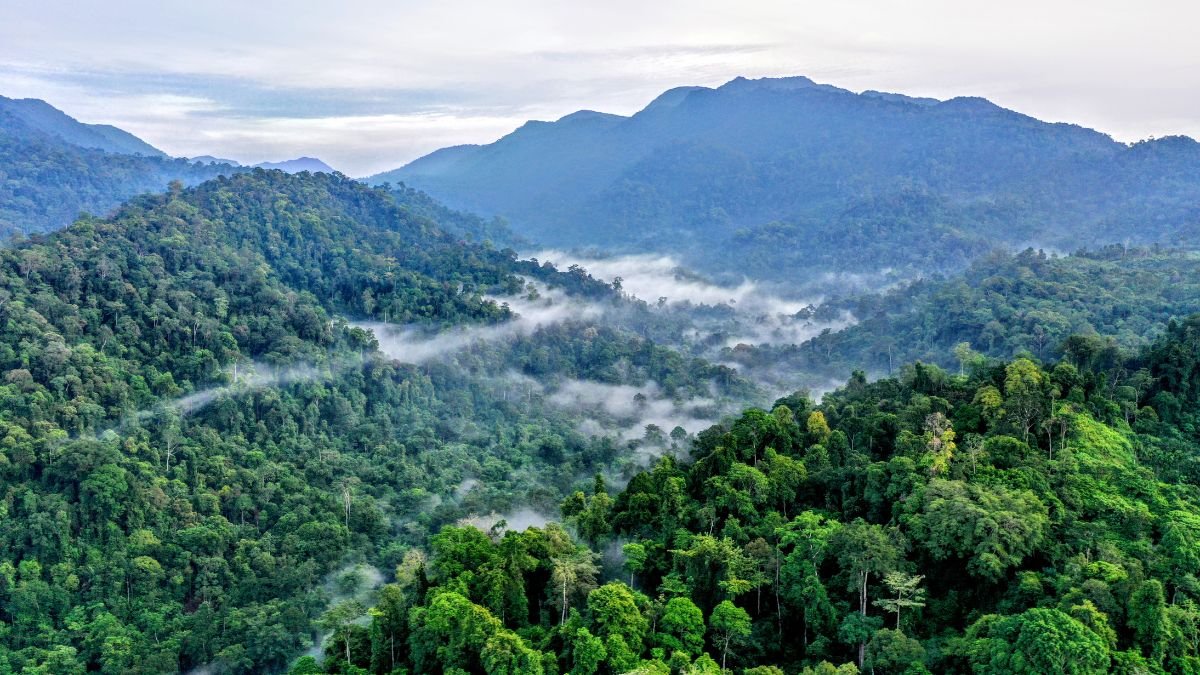
For forest patrol documentation, use the Object Eraser to remove plastic debris or modern objects that don’t fit the natural theme. “Clean” forest photos are more powerful for conservation campaigns and social media.
When documenting Leuser Curriculum training or community empowerment activities, remove any unintentional people or irrelevant banners. This keeps the focus on the core activity and strengthens HAkA’s branding.
For wildlife monitoring photos, remove distracting watermarks or text, as well as objects that could distract from the main subject of the animal being observed.
Remember to brush carefully and zoom in for precise details. Don’t download your edits without first reviewing them. Always back up your original photo before editing, and understand that the Magic Eraser is suitable for small to medium-sized objects; don’t overestimate its effectiveness for large objects or complex backgrounds.
You can also combine the Object Eraser with other editing features in Canva such as adjusting brightness/contrast, cropping for better composition, or adding text overlays for stronger storytelling.
Real Case Examples in the Field
Case 1: Leuser Forest Patrol
Before editing, the forest landscape photo looked beautiful, but the plastic debris in the foreground was distracting. After using a Magic Eraser to remove the debris, the photo became pristine and more suitable for the “Save Leuser” campaign.
Impact-nya signifikan: foto lebih powerful untuk storytelling konservasi dan meningkatkan engagement di media sosial HAkA hingga 40%.
Case 2: Leuser Curriculum Training Documentation
The photo of SMAN 1 Peunaron students taking part in training on local ecosystems is very good, but there are people who accidentally pass by in the background.
After being removed using the Object Remover, the focus was completely on the students and learning materials. This photo was then used in donor reports and HAkA publications, enhancing the professionalism of the organization’s documentation.
Case 3: Community Empowerment Activities
Photos of Sispala (Nature Lovers Students) workshops at schools featured banners from other activities that were distracting. After the banners were removed, HAkA’s branding became stronger and the conservation message was more clearly conveyed to the audience.
Mistakes to Avoid
Avoid brushing too quickly or haphazardly. Brush carefully and zoom in for detailed objects. Don’t download immediately without reviewing the results; always zoom in and check the quality of your edits before saving.
Don’t try to erase objects that are too large or complex, as the results may be unnatural. The Magic Eraser is most effective for small to medium-sized objects.
Avoid over-editing that can make photos look unnatural or fake. Conservation documentation must remain authentic. Also, be sure not to remove important context from the photo; only remove objects that are truly distracting and irrelevant to the intended message.
Start Beautifying Your Conservation Documentation Today
Quality visual documentation is a long-term investment in conservation campaigns. Each properly enhanced photo can raise public awareness, attract donor support, and reinforce the message of Leuser Ecosystem conservation.
Canva’s Magic Eraser offers a practical solution that doesn’t require advanced design skills but produces professional results. For the busy HAkA team in the field, this tool is a game-changer in documenting conservation activities.
Get started with documentary photography this week, take advantage of a free trial of Canva Pro, and see the difference for yourself. Cleaner, more professional photos mean more effective campaigns, and effective campaigns mean a brighter future for Leuser.
Every photo you improve is a small step towards greater forest protection. Let’s work together to protect Leuser for future generations.